How to add new payment method?
Adding a new payment method can be done easily through on 'My Account' page by following the steps below.
Step 1. If you are using the mobile app, click on the ‘Account’ Icon at the bottom of the page.
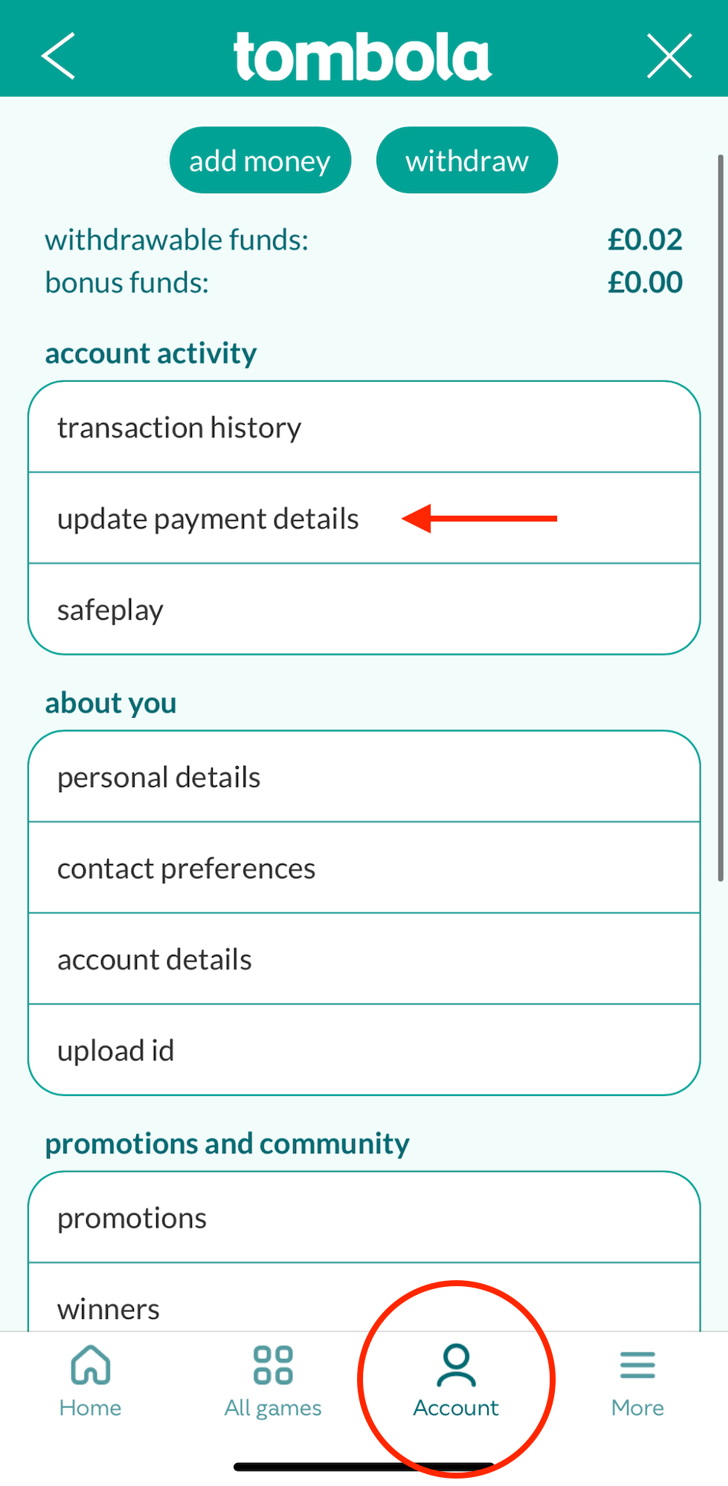
Step 2. Select ‘Update payment details’.
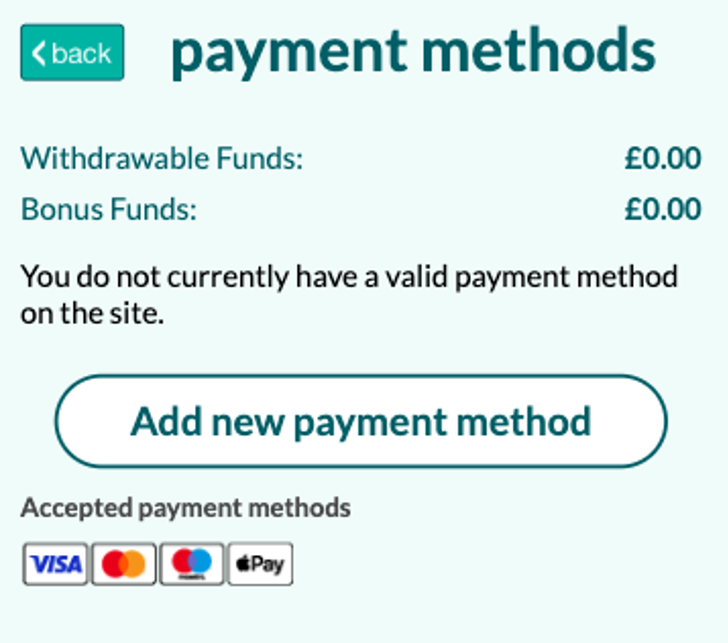
Step 3. Click on ‘add payment method' ‘or ‘set up Apple pay’ for iOS users.

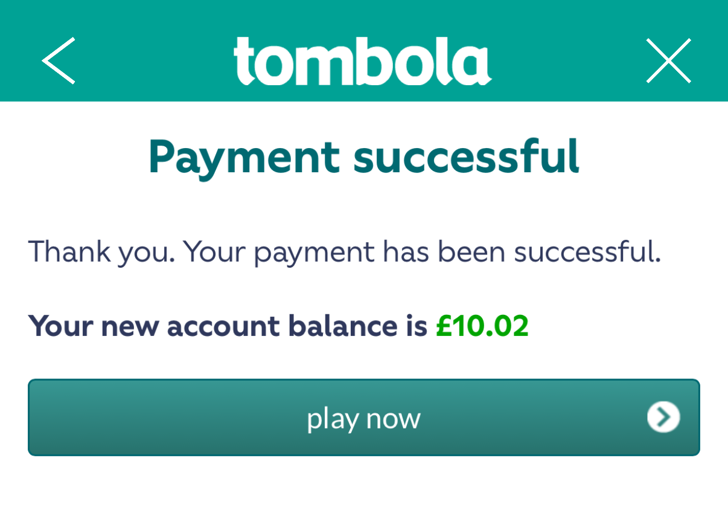
Step 5. If the payment is successful, the payment method chosen will be registered as your primary payment method.
You are required to register a debit card in your own name and for your individual use to your Account, in order to commence gaming.
Please note that for security reasons Tombola does not store your card details in a retrievable format. We no longer allow PayPal to be added to your Account as a new payment method.
Card details are stored using a secure one-way encryption algorithm, which means that the original details cannot be obtained from the encrypted data. The actual card details are held securely by our approved payment provider, which allows us to enable you to process future transactions without the need to re-enter your card details. PayPal provides a secure way to make online payments without sharing financial information. They have an encryption system that will protect your personal details from ever being shared or misused.